learnCharacters
Same AI character in a different art style: what carries over and what it costs
Move one AI character from anime to clay to pixel art: which traits carry over, which ones the style redraws, and the credits a restyled episode costs per engine.
by reeldouble · November 5, 2026 · 6 min read
What a restyle does to a face
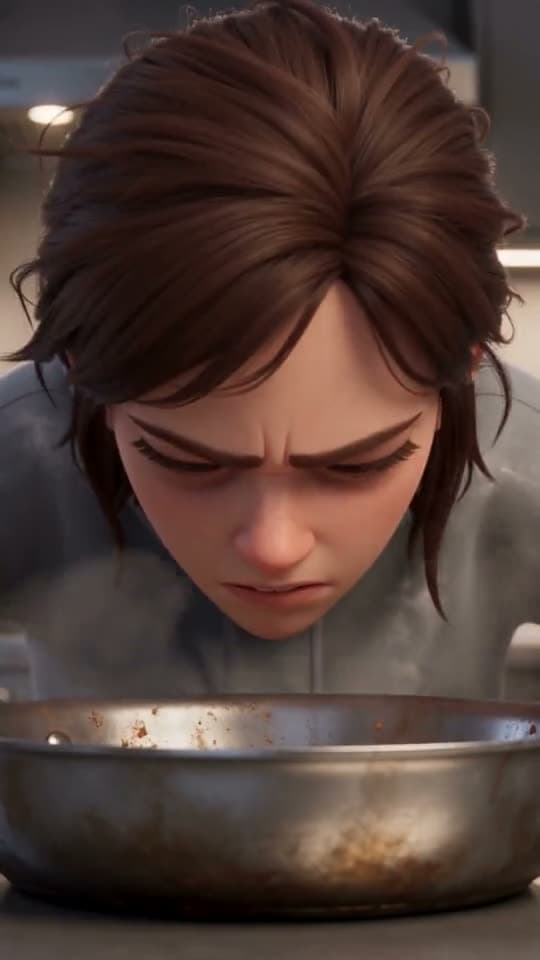
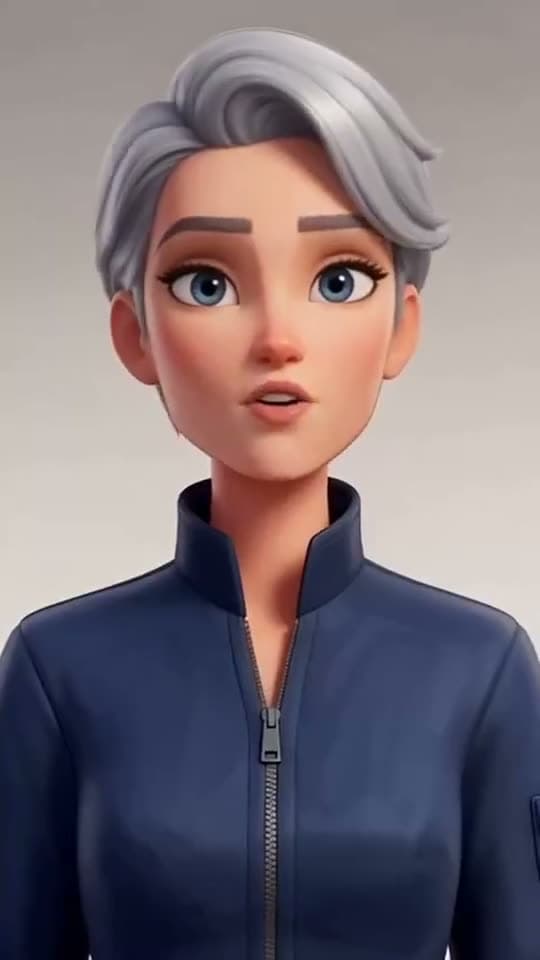
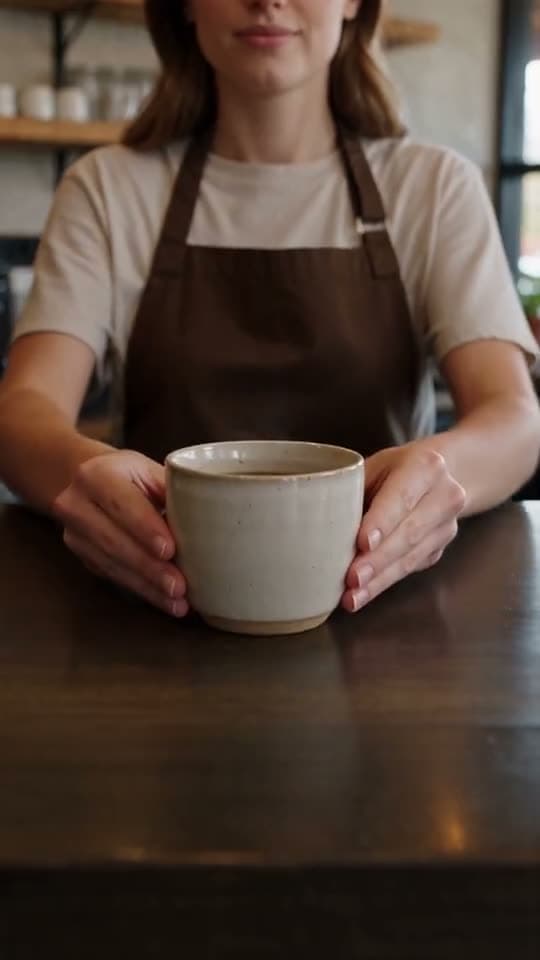
We keep one test character on file: a woman with short, tight dark curls, warm brown skin, a small scar through her left eyebrow and a rust-coloured jacket with a high zip collar. We have drawn her in eight styles, among them anime, clay, pixel art, watercolour, comic ink and 3D animated. Put the anime, clay and pixel versions side by side and you can see exactly what a style change keeps and what it throws away.
Four things survived every style we tried. The hair stayed short, dark and curly. The skin tone stayed in the same warm brown range. The jacket stayed rust with the high collar. And the eyebrow scar showed up in all three, even at pixel-art resolution, where it is only a few pixels long.
Other things moved. In clay, her hair grew noticeably taller and the curls loosened into thick coils, because that is how clay hair gets sculpted. The jacket turned into something that reads as leather. Her eyes changed shape in every version: large and outlined in anime, rounder and glossier in clay, reduced to a handful of dark pixels in pixel art. If your audience recognises the character by her eyes, a restyle will cost you that recognition.
Search "same character different art style" and page 1 is mostly video-to-video restyle tools and one image guide that tests a hero in three styles. Recraft notes that faces change most in anime and chibi, and Atlabs warns that changing the style word in a prompt can change the face. Nobody says which traits to rely on. From our eight versions, our answer is: silhouette, hair mass, palette and one distinctive mark. Design the character around those and it survives the move.
Design for the traits that carry
If you know a series will change style, at a holiday special or a flashback in another look, build the character so the recognisable parts are the ones that hold.
- A clear hair shape. A tall afro, a sharp bob or a shaved side reads in every style. "Medium-length brown hair" disappears.
- One strong colour. Our rust jacket did more work than her face did. Pick a colour nobody else in the cast wears.
- One mark. A scar, a streak of white hair, round glasses, a nose ring. Small and high-contrast.
- A silhouette. A high collar, a long coat, a hat. The shape outlines the character before anyone reads the face.
Eye shape, skin texture and lip detail are the first things a style redraws. Do not make any of them the only thing that tells two characters apart.
The workflow we use
1. Keep the original character untouched. The saved character, with its references, is the source of truth for the series. We never overwrite it with a restyled version.
2. Draw a reference sheet in the new style as a second character. We save it under a name that says both, for example "Nia, clay". A drawn sheet is 30 credits in our studio. Use the original sheet as the input and write the style in one short phrase: "clay animation figure, hand-sculpted texture". Then check the four carry-over traits against the original before you spend anything on video.
3. Keep the character block word for word. The text description that sits in every shot prompt stays the same. Only the style line changes. If the block says "rust jacket with a high zip collar", it says that in anime and in clay. That is how the palette and silhouette survive. Our descriptor block guide shows how we write one.
4. Tag the restyled character, not the original. On Kling O3 Pro the references go in as elements, addressed as @Element1 and up. On Seedance they are images, @Image1 and up. On Veo 3.1 Fast they are "image 1" to "image 3". If you tag the original realistic sheet and only write "in clay style", the engine pulls toward the reference and you get a half-realistic figure in a clay world. The references decide the style more than the prompt does.
5. Render one test shot first. A 4-second silent shot on Kling O3 Pro is 96 credits, enough to see whether the face reads as the same person. Only then render the episode.
What a restyle costs
There is no cheap restyle pass on any engine we sell. A video in a new style is a new render of every shot, at the full rate for that engine. The style change itself adds nothing on top. The cost is the episode, rendered again.
Credits for a 30-second episode at 720p, rendered a second time in a new style:
| engine | silent | voiced | how it renders 30 seconds |
|---|---|---|---|
| Kling O3 Pro | 720 | 900 | two 15 s shots joined |
| Veo 3.1 Fast, with references | 640 | 960 | four 8 s reference shots, 32 s billed |
| Seedance 2.0 | 1,350 | 1,350 | two 15 s renders |
| Seedance 2.0 Fast | 1,500 | 1,500 | two 15 s renders |
| Seedance 2.5 | 2,100 | 2,100 | one 30 s take |
With references attached, every Veo shot renders and bills 8 seconds, so the closest Veo gets to 30 seconds is four shots and 32 billed seconds. Seedance prices by resolution, so silent and voiced are the same number.
Add 30 credits for the new reference sheet and 96 for a test shot. A restyled 30-second episode on Kling O3 Pro, voiced, comes to 1,026 credits all in. On Seedance 2.5 it is 2,226.
When a restyle is the wrong move
A restyle is a new render. Video-to-video restyle tools (the ones that fill page 1 for this search) take a finished clip and repaint it. That keeps the motion and timing of the original exactly, which a fresh render will not. If you need frame-accurate matching to an existing cut, a repaint tool is the better fit. If you want the character to act in the new style, with motion that suits clay or pixel art, render it fresh with the restyled references.
It is also the wrong move halfway through a scene. Changing style between two shots of the same moment reads as a mistake. Change style at a clear break: a new episode, a flashback, a dream, a title card.
The order we work in
- Design the character around hair shape, one colour, one mark and a silhouette.
- Keep the original saved character; draw the new style as a second character.
- Check the four carry-over traits on the sheet before any video.
- Keep the character block word for word, change only the style line.
- Render a 4-second silent test, then the episode.
Our studio keeps both versions of a character side by side, so the original series and the restyled special draw from the same cast list.
FAQ
Can I keep the same AI character in a different art style?
Yes, if the character is designed around traits that survive a style change: hair shape, one strong colour, a distinctive mark and a clear silhouette. In ReelDouble we save the restyled version as a second character and keep the text description word for word.
Which parts of an AI character change when the art style changes?
Eye shape, skin texture, hair texture and fabric are redrawn by the style. In our anime, clay and pixel versions of one character, hair shape, skin tone, jacket colour and an eyebrow scar carried over, while eye shape and hair volume changed.
Does restyling an AI video cost less than rendering it again?
No. Every engine renders the whole frame again, so a restyled episode is billed like a new one. On ReelDouble a 30-second voiced episode at 720p is 900 credits on Kling O3 Pro and 2,100 on Seedance 2.5.
Should I use a reference image or a prompt to change the art style?
Use a reference sheet drawn in the new style. If you attach the original realistic references and only add a style word to the prompt, the references tend to win and the two looks mix. In ReelDouble we save the restyled sheet as its own character.
What is the cheapest way to test a character in a new style?
Draw the restyled reference sheet first, which costs 30 credits on ReelDouble, then render one 4-second silent shot on Kling O3 Pro for 96 credits before committing to a full episode.