learnGetting started
Text to video vs image to video: which AI input to use for each shot
Text, a start frame or a character reference: what each AI video input locks, where each one drifts, the reference cap on every engine, and what each one costs.
by reeldouble · November 1, 2026 · 7 min read
The question is really three questions
Search "text to video vs image to video" and the first page agrees on one rule: use text to explore, use an image when the look has to stay put. That is right, but it treats "image to video" as one thing. In practice there are two ways to give an engine a picture, and they lock different things:
- Text. You describe everything. The engine invents the subject, the place, the light and the composition.
- A start frame. You give the engine a picture and it animates forward from it. The first frame is yours; everything after it is the engine's guess.
- A reference. You give the engine pictures of a character (or a product) and a text prompt. The character rides along, but the frame is new: new place, new angle, new action.
We use all three in one video, often in one scene. This page is how we decide which input each shot gets, what each one fails at, and how much each costs on our meter. That last part is short, because the answer is mostly "the same."
What each input locks, and where it drifts
| input | what it locks | where it drifts | best for |
|---|---|---|---|
| text | nothing but your words | the subject's face and clothes change between shots; complex prompts lose structure as clips get longer | establishing shots, landscapes, b-roll, exploring an idea |
| start frame | the first frame: composition, light, subject | the further from frame one, the more the engine improvises; it cannot change the setting | a product shot, a frame you already approved, continuing from the last frame of a previous clip |
| reference | who the character is: face, build, outfit | small facial details in fast motion, and outfits if the prompt describes different clothes | a recurring character across scenes and episodes |
Two practitioner notes from people testing this, which match what we see. Text-to-video tends to hold together in 4 to 5 second tests and lose structure past about 8 seconds on a complex prompt. And a start frame only anchors the beginning: a generator given one image has no destination, so the end of a long clip is where the improvising shows.
Text: cheap to think with
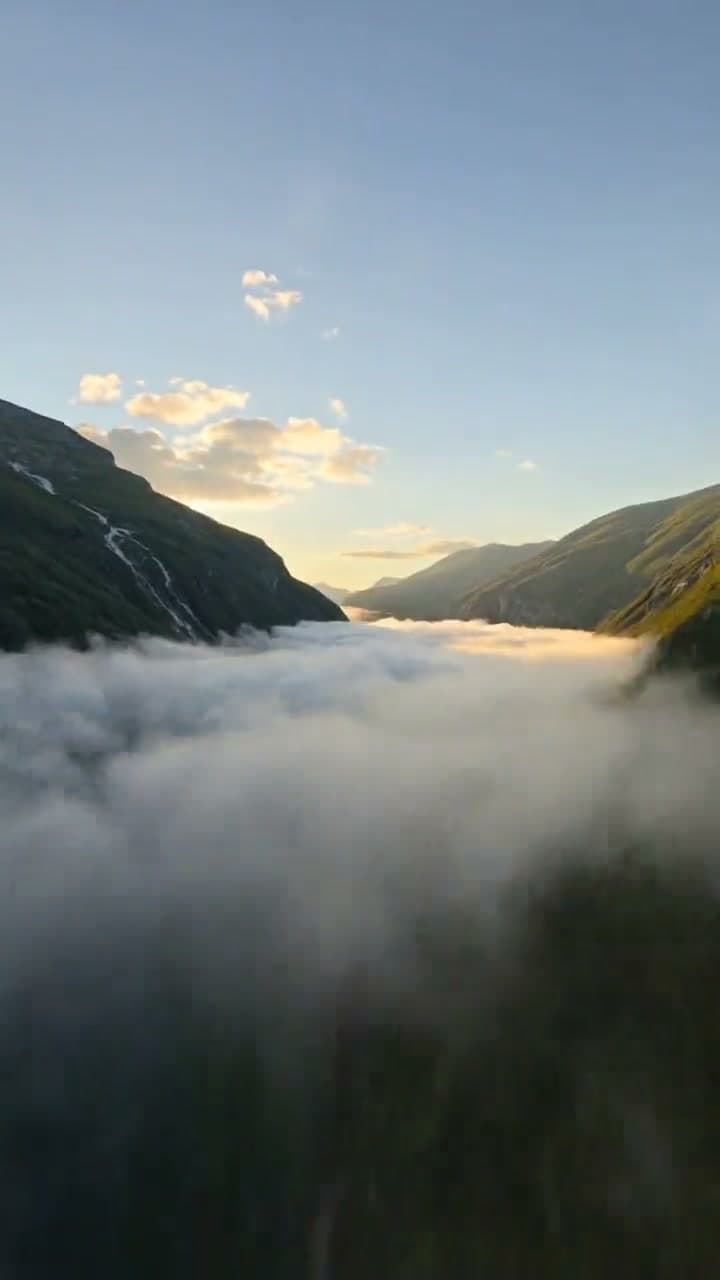
Text is where we start a new idea. It costs nothing to write five prompts and the engine is free to surprise you. The cover of this page is a text shot: mountains, cloud, aurora, a streak of light. Nothing in it needed to match an earlier shot, so nothing needed a picture.
Where text fails is people. Describe "a tired detective in a grey coat" in two shots and you get two detectives. You can narrow the gap with a fixed descriptor block, the same words pasted into every prompt (our descriptor block guide has the template), but words alone do not hold a face across a series. For anyone who appears more than once, we move to a reference.
Start frame: when the first frame is already right
A start frame earns its place when you already have the exact picture you want moving: a product photo, a frame from a character sheet, or the last frame of the previous clip. That last use is the strongest. Ending one clip and starting the next on the same frame makes a cut feel continuous, and it is how we stretch a scene past one engine's length. Our first and last frame workflow walks through it.
What a start frame cannot do is move the character somewhere new. If the first frame is a kitchen, the clip happens in that kitchen. For "same person, new place," you need the third input.
Reference: the input a series is built on
A reference is not a frame. It is a cast list. You give the engine pictures of your character and tag them in the prompt, and the engine draws a new shot with that character in it. Every engine we sell takes references, but the cap and the way you tag them differ:
| engine | references per render | how the prompt names them | lengths |
|---|---|---|---|
| Seedance 2.5 | 30 images | @Image1, @Image2 ... | 4-30 s, one take |
| Seedance 2.0 | 9 images | @Image1, @Image2 ... | 4-15 s |
| Seedance 2.0 Fast | 9 images | @Image1, @Image2 ... | 4-15 s |
| Kling O3 Pro | 5 elements | @Element1, @Element2 ... | 4-30 s, joined from 15 s shots |
| Veo 3.1 Fast | 3 images | image 1, image 2 ... | always 8 s with references |
If you tag more characters than the engine takes, the studio refuses the render before anything is billed and names an engine with more room. For one character, every engine works. For a three-person scene, Kling O3 Pro or the Seedance models. For an ensemble, Seedance 2.5.
The reference images themselves should be clean: a character sheet with front, side and three-quarter views on a plain background works better than a busy scene. Our character reference sheet page shows the layout.
What each input costs
Most people expect a picture to cost extra. On our meter, the input does not change the price. A clip bills on engine, length, resolution and, on Kling O3 Pro and Veo 3.1 Fast, whether it is voiced. Text, a start frame or a reference, the same 12-second Kling O3 Pro voiced clip at 720p is 360 credits.
There is one exception, and it catches people. Veo 3.1 Fast renders reference clips at 8 seconds only. Ask for a 4-second or 6-second Veo clip with a reference and the clip comes back 8 seconds long and bills 8. We quote it that way so the number under the button is the number you pay:
| Veo 3.1 Fast, 720p, voiced | text | reference |
|---|---|---|
| asked for 4 s | 120 | 240 (renders 8 s) |
| asked for 6 s | 180 | 240 (renders 8 s) |
| asked for 8 s | 240 | 240 |
So for a short Veo shot with no recurring character, text is cheaper. For a short shot that needs the character, either take the 8 seconds or use Kling O3 Pro, which renders a 4-second reference clip for 120 credits voiced or 96 silent.
How we pick, shot by shot
A 30-second story with one recurring character usually goes like this:
| shot | input | why |
|---|---|---|
| 1. wide of the town at dawn | text | no character, nothing to match |
| 2. the character walks into frame | reference | first time we see her; the face must match the episode before |
| 3. close-up, she reads a letter | reference | same character, new angle |
| 4. the letter itself | text | an object, and the words go on in the edit |
| 5. she turns to the door, continuous with shot 3 | start frame | the last frame of shot 3 starts shot 5, so the cut does not jump |
Three inputs, one scene, and the only rule is: lock what has to match the shot before, leave everything else to the engine. You can try all three on the same idea in the studio: the price under the render button stays put when you switch inputs, except for a Veo reference clip.
When people pick the wrong one
The three mistakes we see most:
- Using a start frame for a character who needs to travel. The clip stays in the first frame's location. Switch to a reference.
- Using text for a recurring character and fixing drift with longer prompts. Longer prompts drift more, not less. Make a character sheet once and reference it.
- Using a reference on Veo for a 4-second insert. It bills 8. Use text for the insert, or Kling for a short reference shot.
If your character still changes between shots with a reference attached, our character drift guide lists the usual causes, starting with an outfit described differently in the prompt than in the sheet.
FAQ
Is text to video or image to video better for AI video?
Neither is better overall. Text is best for establishing shots and exploring ideas, a start frame is best when the first frame must match, and a character reference is best when the same person appears in many shots. ReelDouble offers all three.
What is the difference between a start frame and a reference image?
A start frame becomes the first frame of the clip and the engine animates forward from it. A reference shows the engine who the character is, and the engine draws a completely new shot with that character in it.
Does image to video cost more than text to video?
On ReelDouble, no. Price depends on engine, length, resolution and voice, not the input. The exception is Veo 3.1 Fast, which renders reference clips at 8 seconds only, so a shorter request bills as 8 seconds.
How many reference images can I use in one AI video?
On ReelDouble it depends on the engine: Seedance 2.5 takes 30 images, Seedance 2.0 and 2.0 Fast take 9, Kling O3 Pro takes 5 elements and Veo 3.1 Fast takes 3 images.
Why does my character look different in every text to video clip?
Text alone does not hold a face. Each prompt is a new guess, so the same description gives a different person. Make a character sheet once and attach it as a reference in every shot.